Tasks & activities
Hierarchical work items with completion tracking and optional hiding of finished work.

Task Manager is a focused macOS app for capturing work, breaking it into activities, and keeping progress visible — without the rest of a home-automation suite. Data stays local on your device.
How it works
From task creation through Markdown backup.
Add titles, completion dates, and status; break work into activities you tick off as you go.
Sort by created, modified, document dates, or title; filter by today, this week, this month, and more.
Bring in task documents from files or folders with preview before you commit.
Export tasks as Markdown or plain text for sharing and backup.
Capabilities
Native SwiftUI for macOS with light and dark appearance.
Hierarchical work items with completion tracking and optional hiding of finished work.
Focus on today, this week, or this month when you need a clean actionable list.
Import from files or folders; export Markdown or plain text for review and backup.
Independent of ControlZ — no shared database unless you move files yourself. Sandboxed file access for import and export.
Screenshots
Task Manager (My TaskZ) on macOS — list, sort, and date filters.
Native SwiftUI for Mac. Landscape captures use CSS tablet frames.
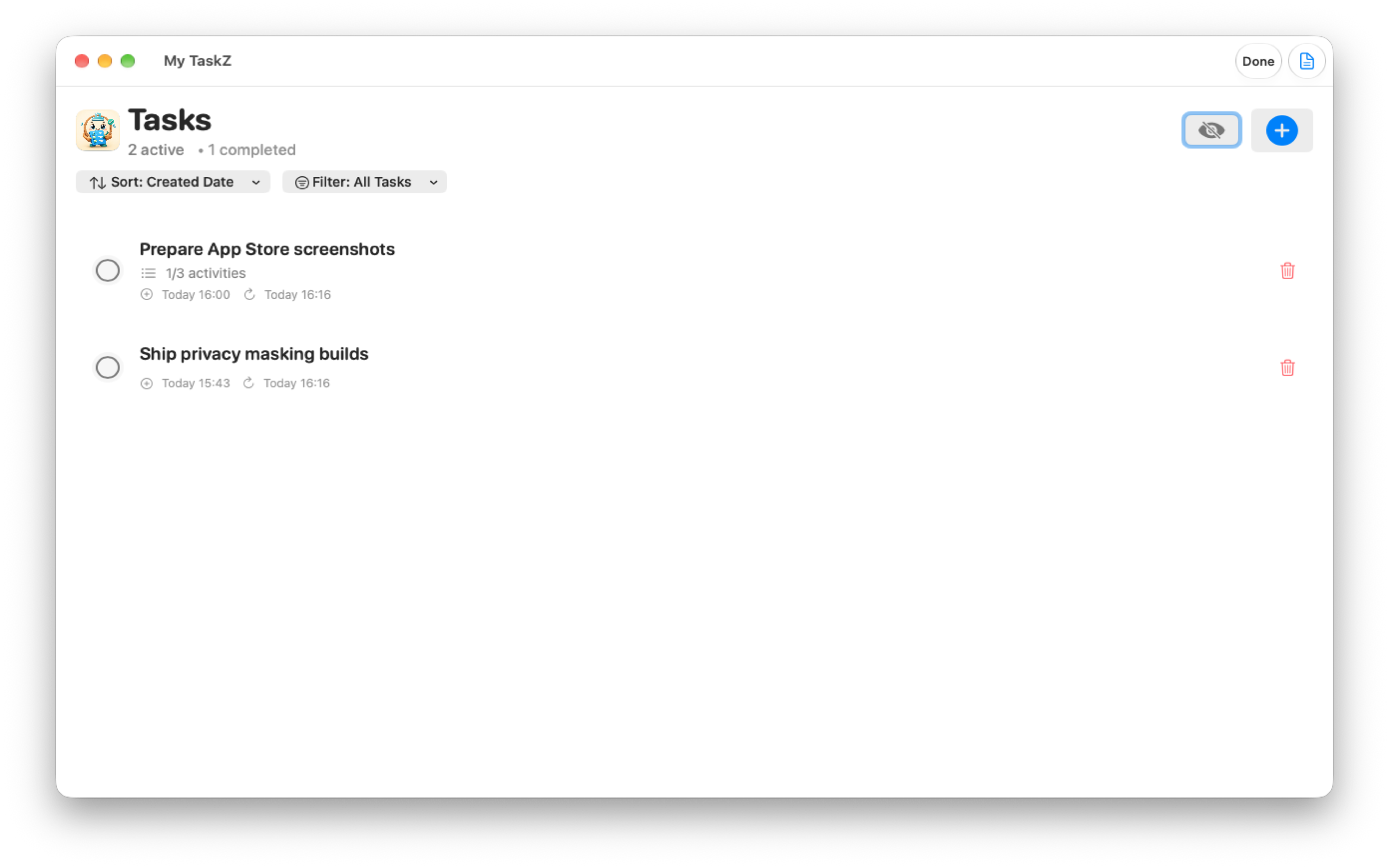
Active work with activity progress, dates, and quick delete.
Mac · CSS tablet frame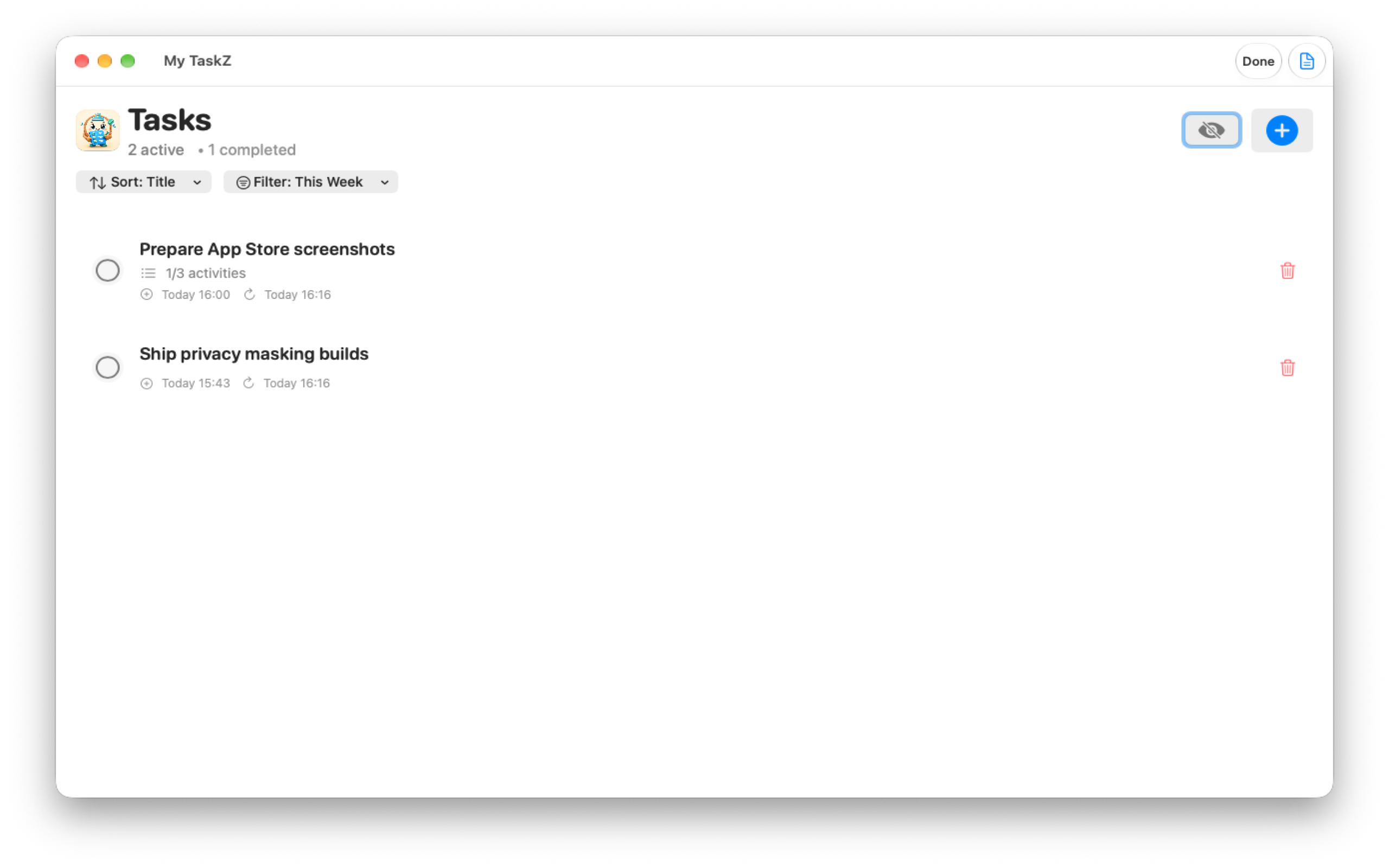
Sort by title or dates; focus on this week when you need a clean list.
Mac · CSS tablet frame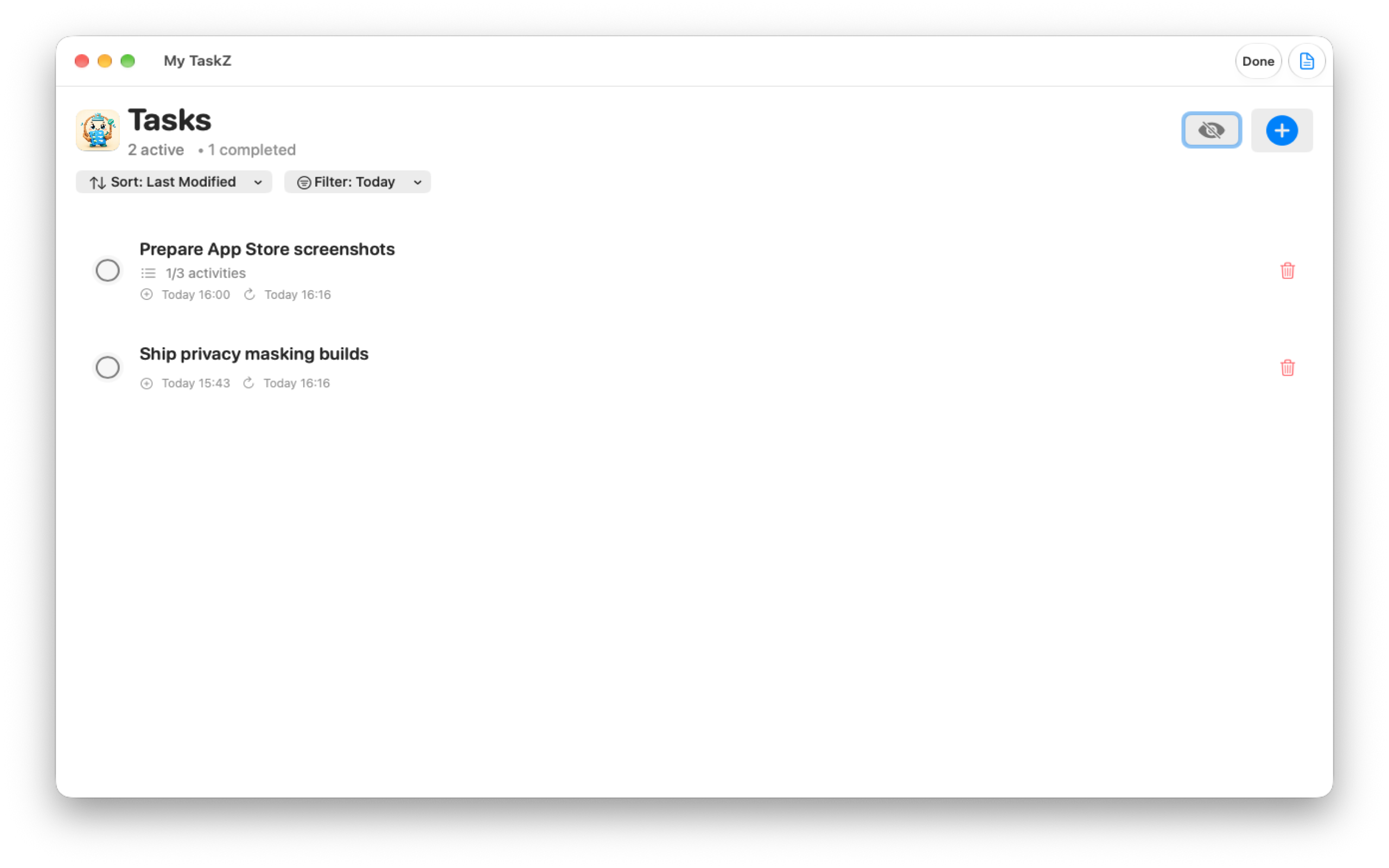
Date-aware filters keep today’s work visible without the noise.
Mac · CSS tablet frameUse the shared contact workflow and choose Task Manager in App Selection.