Real timetables
Weekly slots with conflict warnings and labels that match School or University terminology.
My HomeworkZ helps students and families plan school or university work on iPhone, iPad, and Mac. Create profiles for each student on the same Apple ID, enrol in a School or University, and keep subjects, timetable, homework, exams, notes, and revision organised by academic year. Try the isolated Demo Mode Learning Tour before using your own data.
How it works
Four steps from multi-student setup through daily homework and exams.
Create a profile for each student on the same Apple ID, then enrol in a School or University with subjects scoped to an academic year.
Build a weekly timetable with overlap warnings. Labels adapt to institution type — Teacher or Lecturer, Period or Lecture, Term or Semester — and you can switch the active year without mixing schedules.
Add tasks with due dates and optional reminders. Use Today for next class or lecture, due work, and exam countdowns, plus notes and revision plans for the active year.
Share timetable and study lists as Markdown or PDF. Use Home Screen widgets for next class and due today, plus Shortcuts such as Add Homework and What’s My Next Class or Lecture.
Capabilities
Built for iPhone, iPad, and Mac — with iCloud sync when available, otherwise data stays on device.
Weekly slots with conflict warnings and labels that match School or University terminology.
Homework with due dates, effort, recurring reminders, and Social tasks; Today surfaces next class, due work, Upcoming events, and exam countdowns.
Compact Study / More hubs on iPhone; Notes with tags and study dates; Exams with schedule, clashes, and searchable file inventory.
Exams with results and grade trends, plus study notes and revision plans scoped to the active year.
Day / Week / Month / Year calendar with Display Events; subscribe to school ICS feeds or import named ICS files.
Portable .myhomeworkbackup files via Files / AirDrop, plus optional iCloud CKAsset snapshots. Restore pauses sync until you resume.
Isolated showroom store with Learning Tour and Show Me playback — explore without touching production homework data.
Academic data stays in your Apple account’s iCloud container when sync is on; otherwise it remains on device.
Home Screen widgets for next class and due today, plus Shortcuts to add homework or ask what’s next.
Screenshots
Live My HomeworkZ UI from App Store captures — Today, tasks, study, calendar, and timetable.
My HomeworkZ runs on iPhone, iPad, and Mac. Portrait tiles use CSS phone frames; landscape tiles use tablet frames.
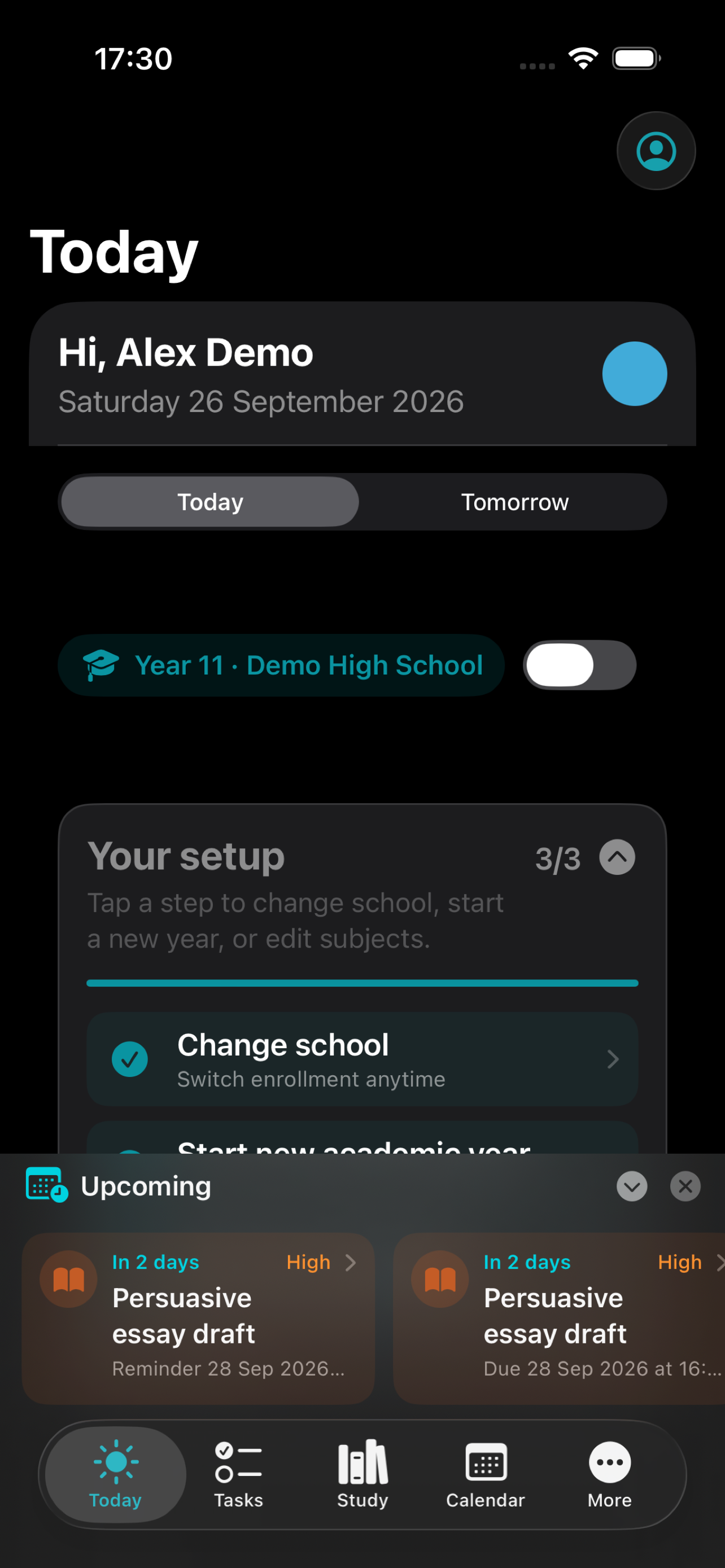
Next class, due work, and upcoming tasks — scoped to the active student profile and academic year.
iPhone · CSS phone frame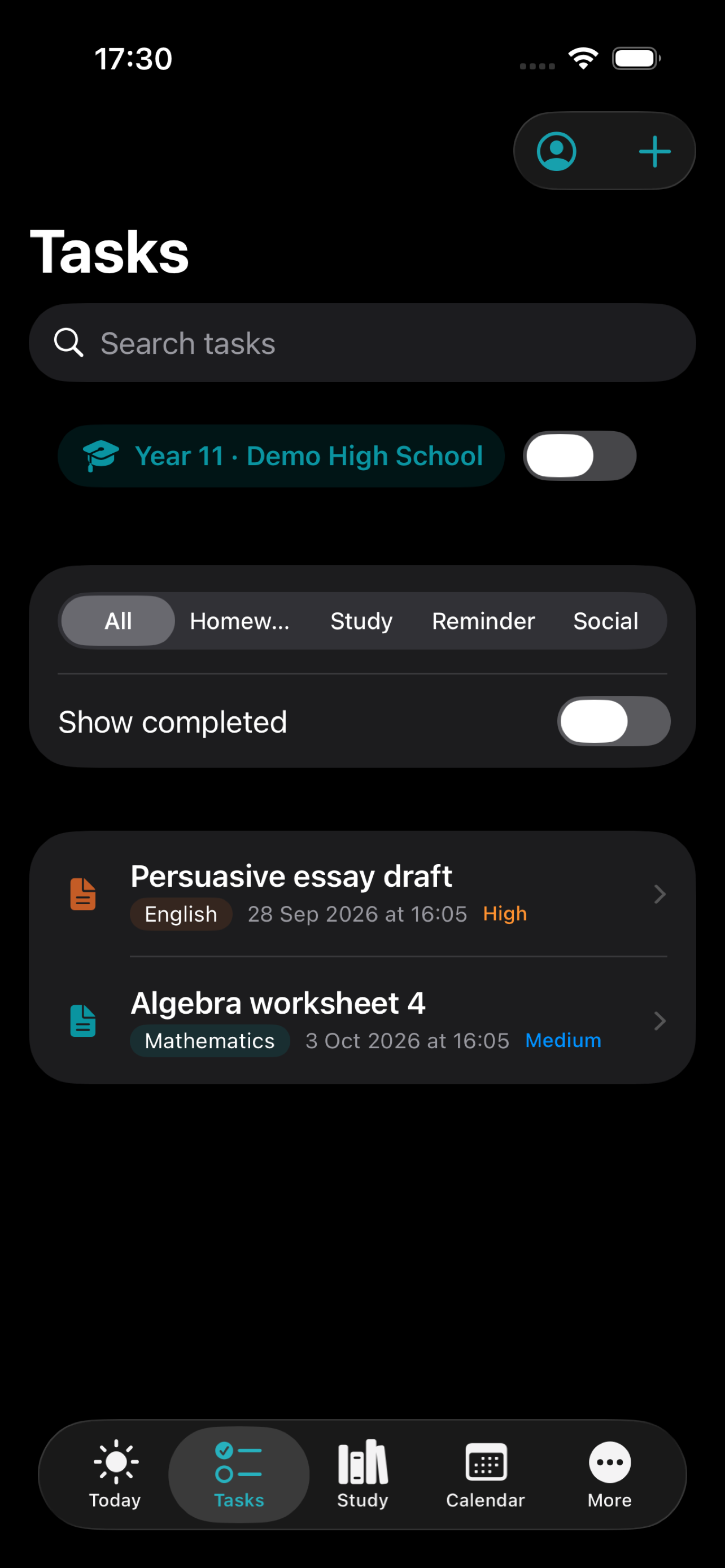
Homework with due dates, effort, and priority — filter by Homework, Study, Reminder, or Social.
iPhone · CSS phone frame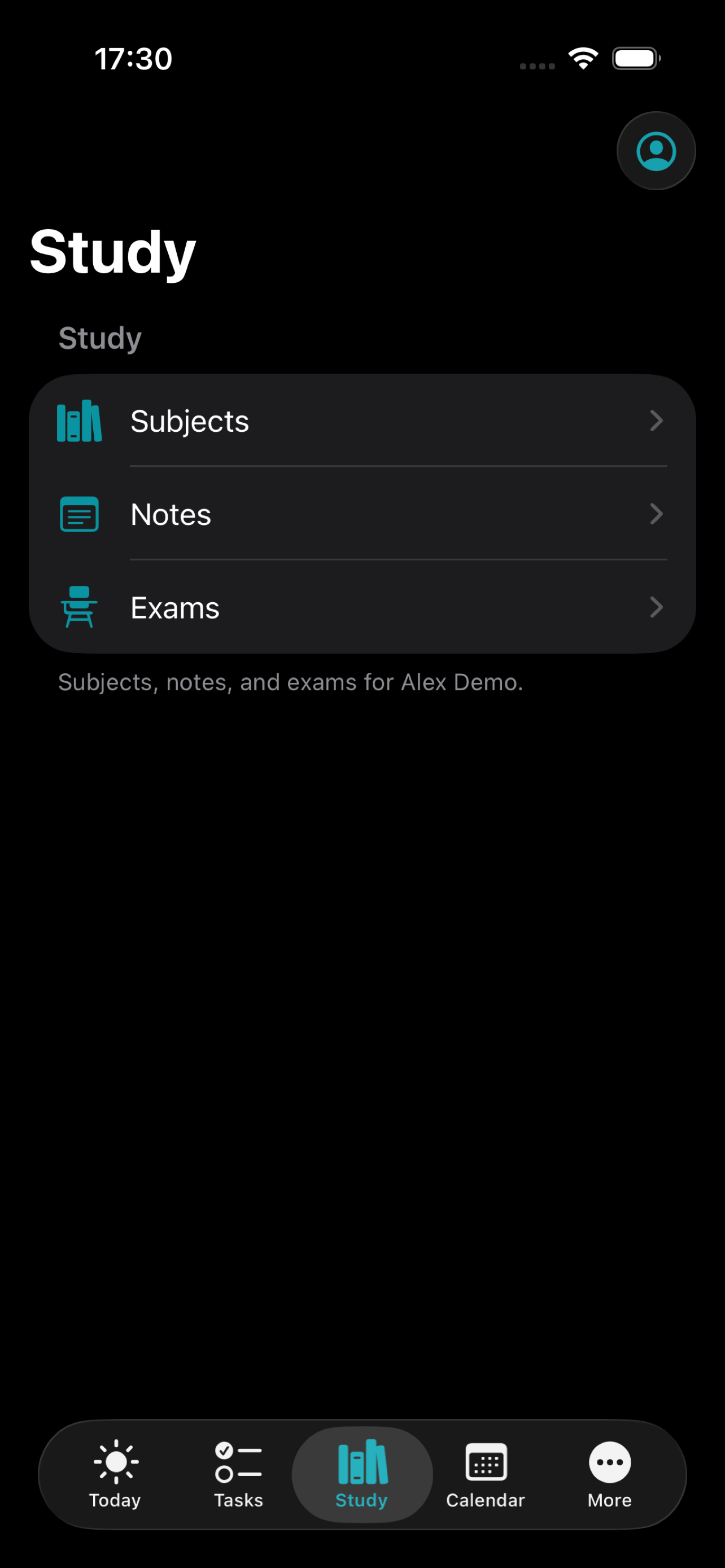
Subjects, notes, and exams for the active year — compact Study / More hubs on iPhone.
iPhone · CSS phone frame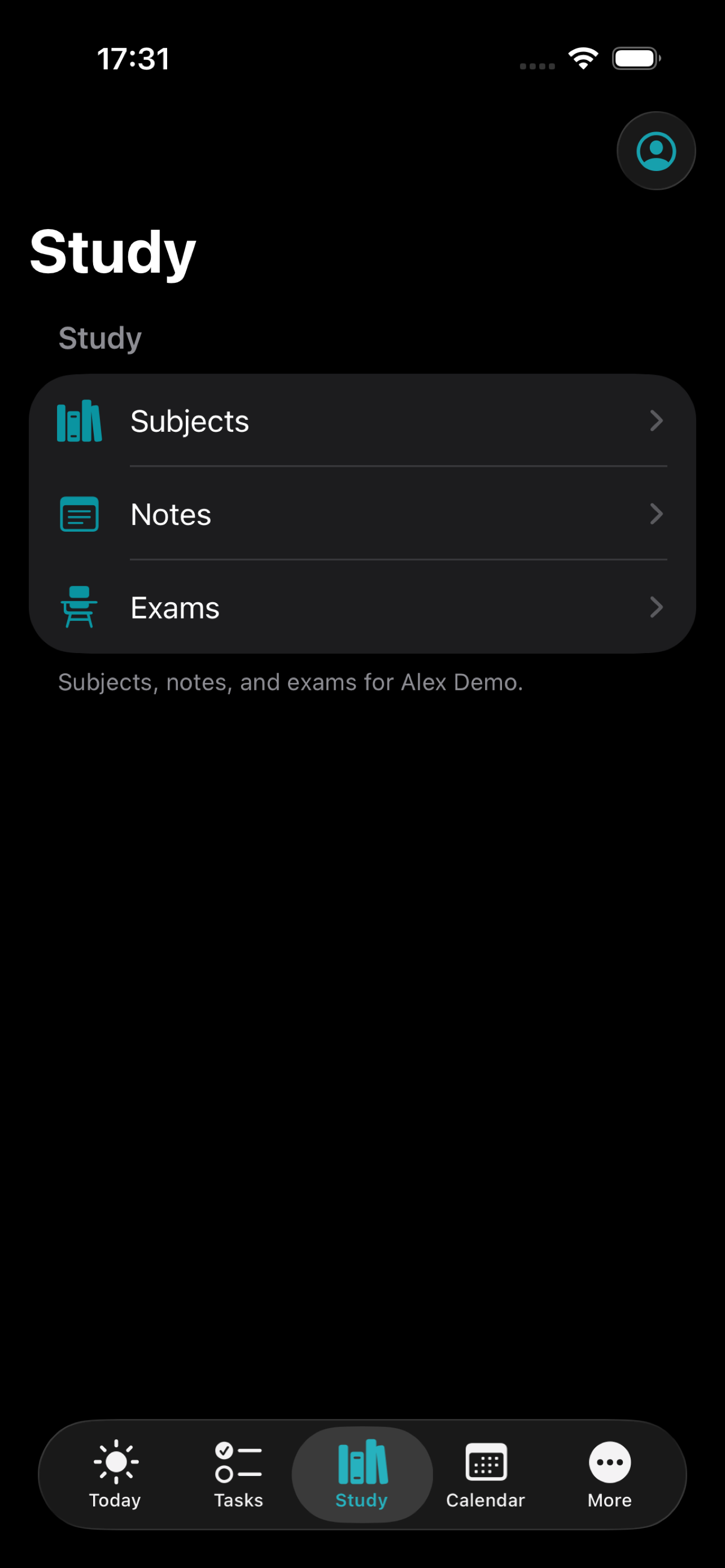
Study notes with tags and study dates, scoped to the active academic year.
iPhone · CSS phone frame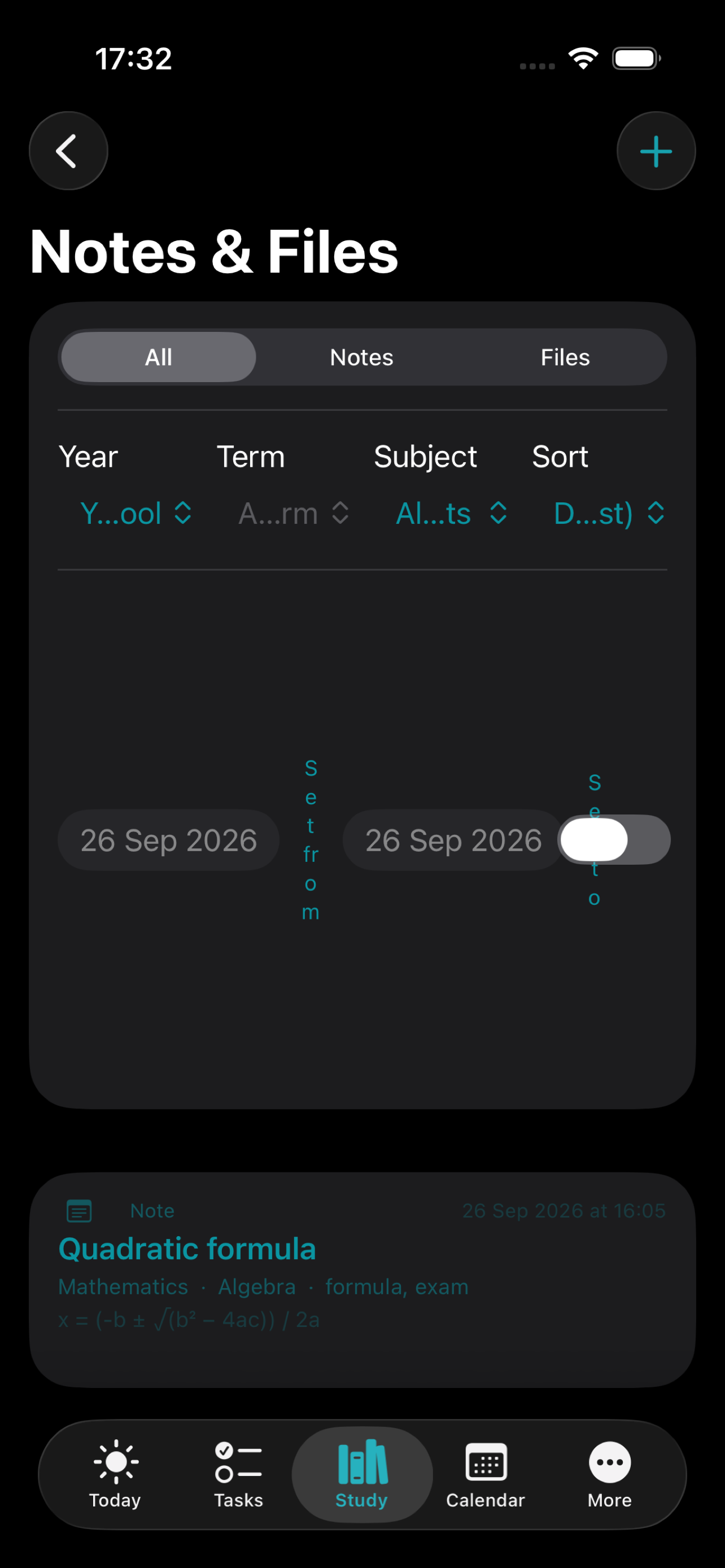
Exam schedule, clashes, results, and grade trends — plus searchable file inventory.
iPhone · CSS phone frame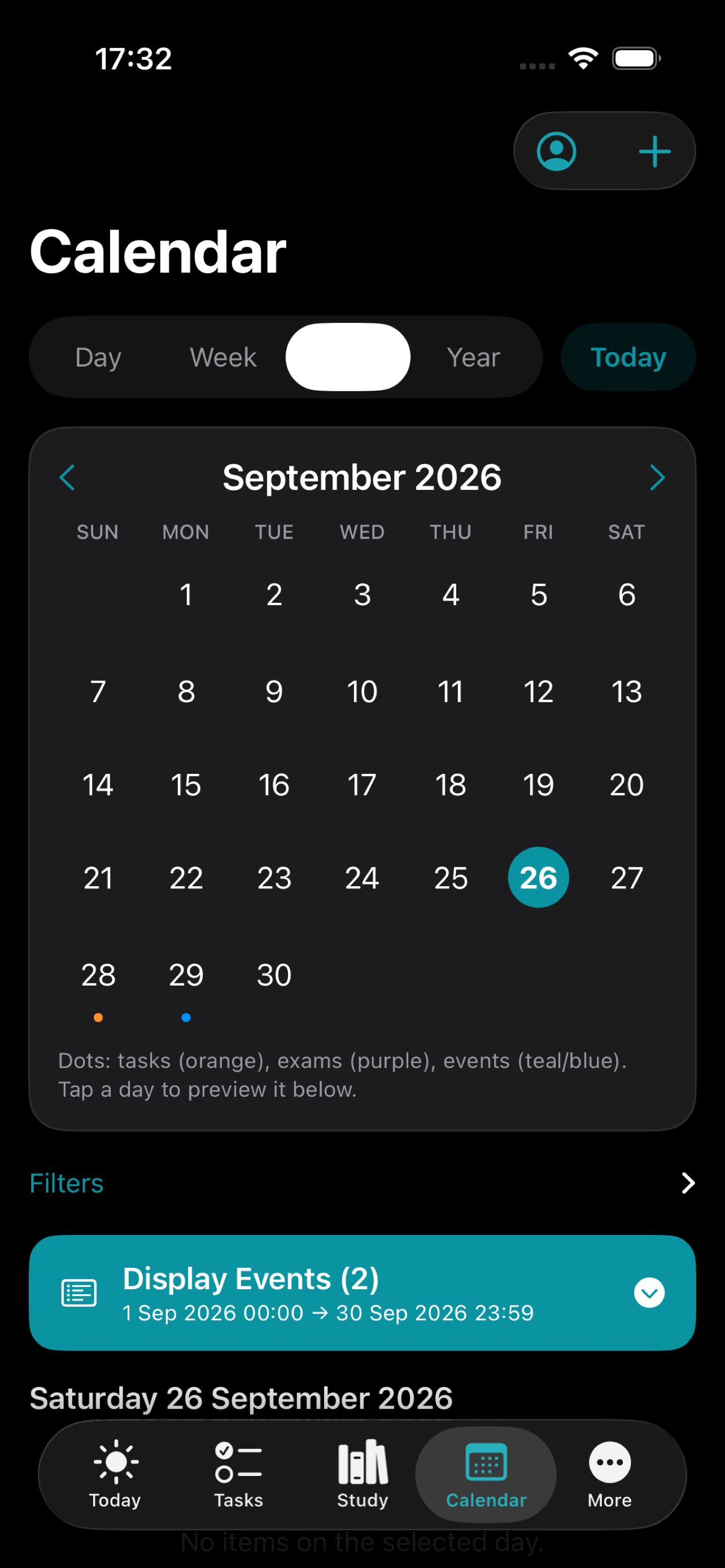
Day / Week / Month / Year with Display Events — subscribe to school ICS feeds or import named ICS files.
iPhone · CSS phone frame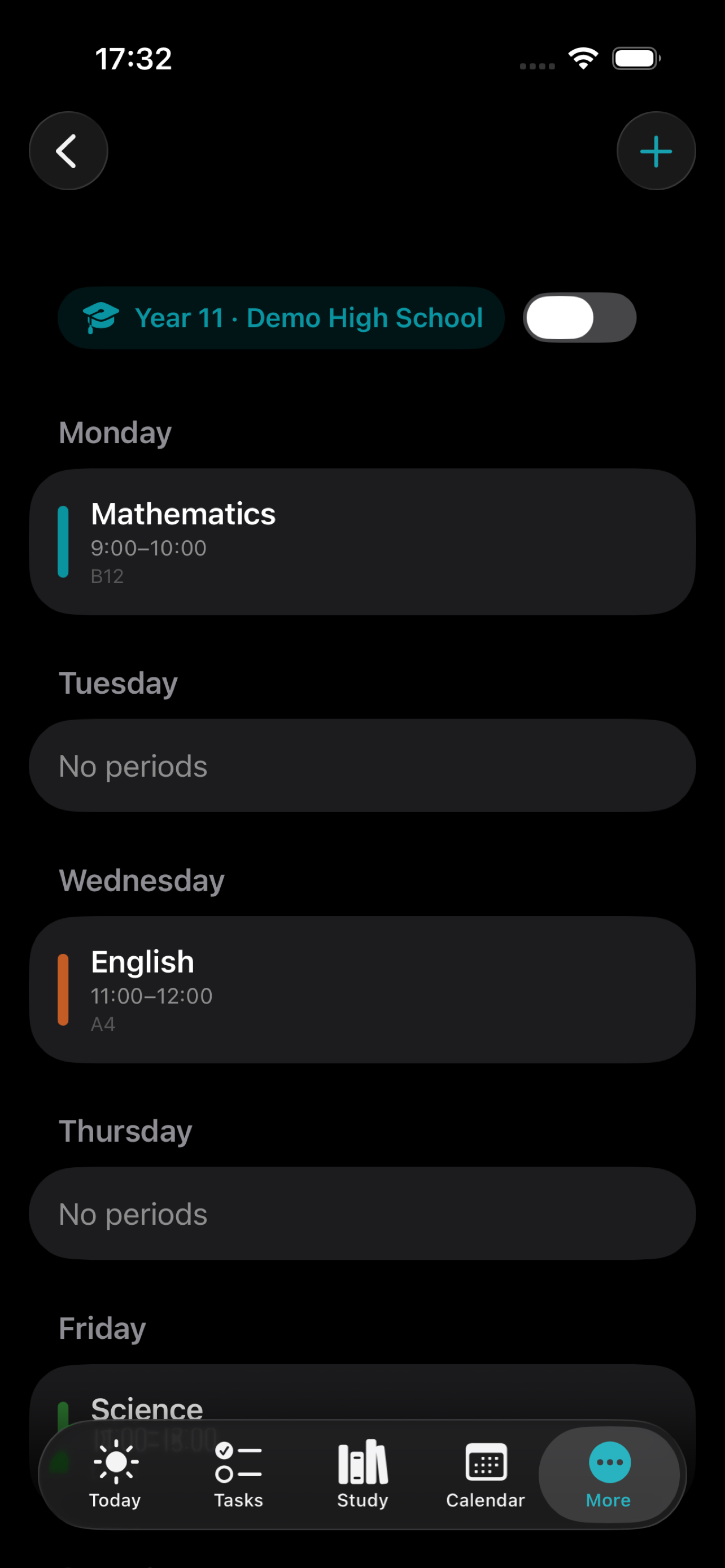
Weekly slots with conflict warnings — labels adapt to School or University terminology.
iPhone · CSS phone frame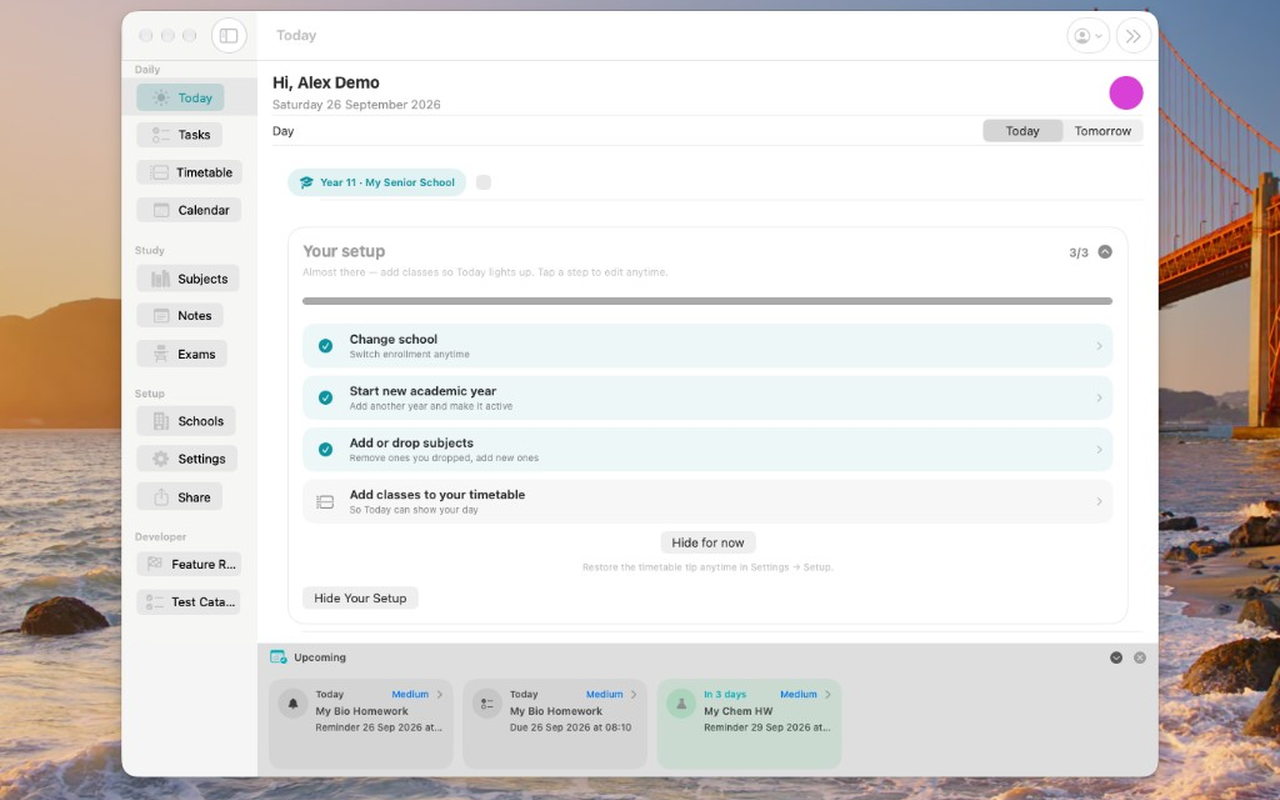
The same Today plan on a wider canvas — iPhone, iPad, and Mac share one data model.
Mac · CSS tablet frameUse the shared contact workflow and choose My HomeworkZ in App Selection.