Discovery reference
Proven Bonjour browse and IP resolution used as the baseline for Hue Analyzer bridge connection work.

Hue Test App is a single-view reference implementation for Philips Hue: Discover bridges on the LAN, Register with the link button, connect SSE, and list devices — the proven path that informed Hue Analyzer’s connection layer.
How it works
A deliberately simple flow for testing bridge connectivity.
Browse _hue._tcp via Bonjour and list bridges with IP and model ID on your network.
Select a bridge and complete link-button pairing to obtain an application key.
Open a Server-Sent Events stream from the registered bridge for live resource updates.
Fetch and display device names and types from the connected bridge.
Purpose
A lightweight sandbox for Hue discovery, registration, and SSE — not a full diagnostics suite.
Proven Bonjour browse and IP resolution used as the baseline for Hue Analyzer bridge connection work.
Exercises link-button pairing and credential storage for Hue Bridge and Hue Bridge Pro (BSB003).
Validates live event streaming before layering richer diagnostics and resource browsers.
Runs on iPhone, iPad, and Mac with a compact single-list interface sized for wider layouts.
Screenshots
Hue Test App’s four-step bridge workflow on one screen.
Runs on iPhone, iPad, and Mac. Landscape Mac captures use CSS tablet frames. Network details stay masked by default.
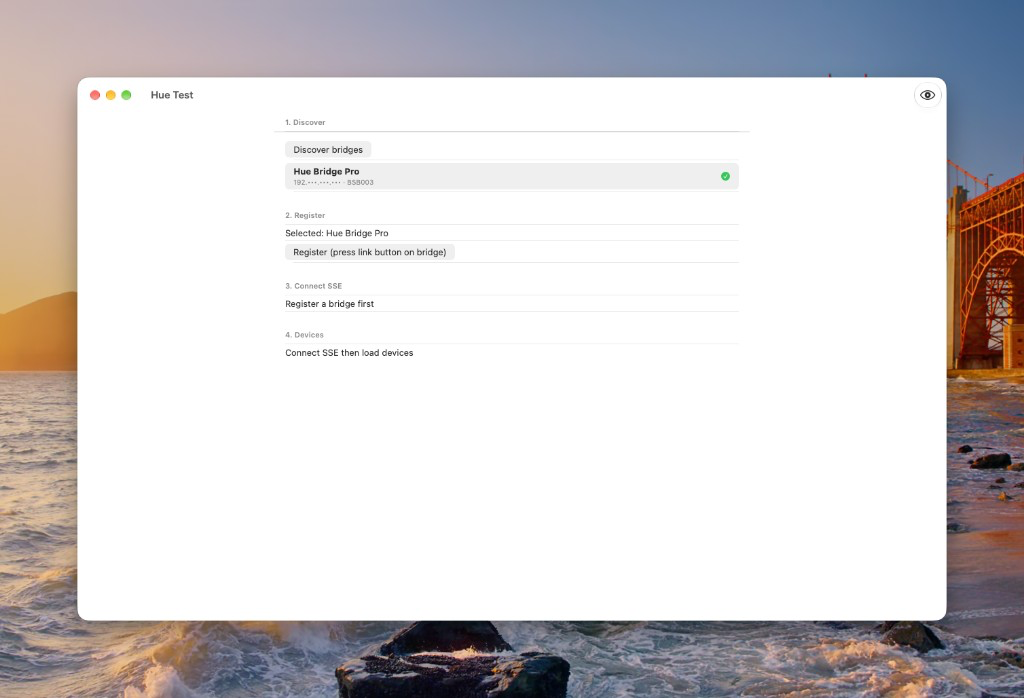
Bonjour finds bridges on your LAN; IP stays masked until you reveal it.
Mac · CSS tablet frame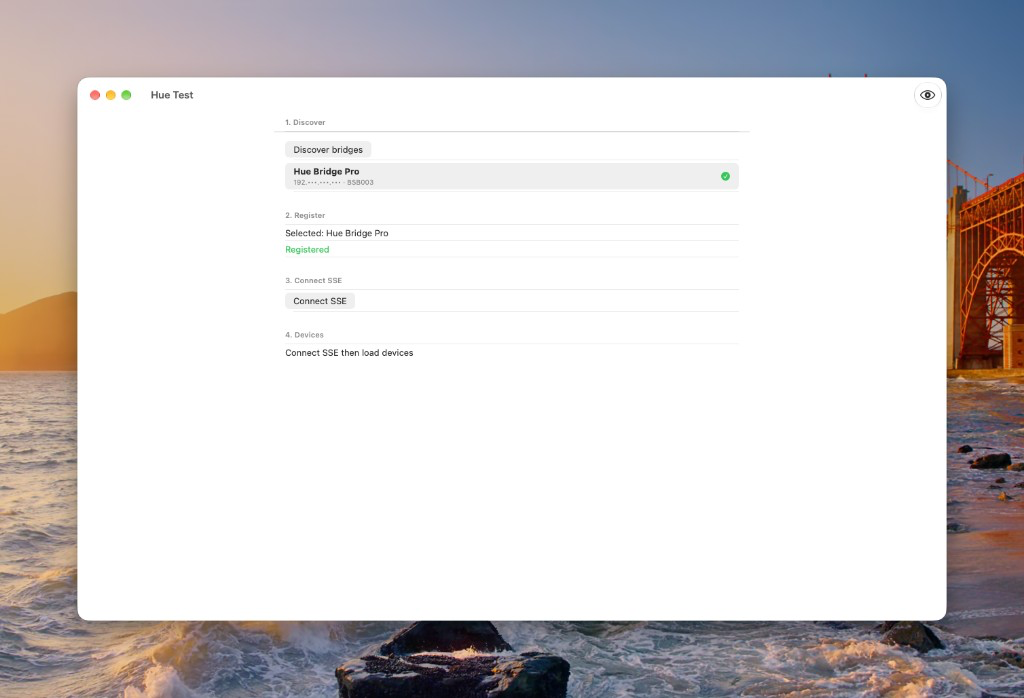
Link-button pairing completes — ready to open the SSE stream.
Mac · CSS tablet frame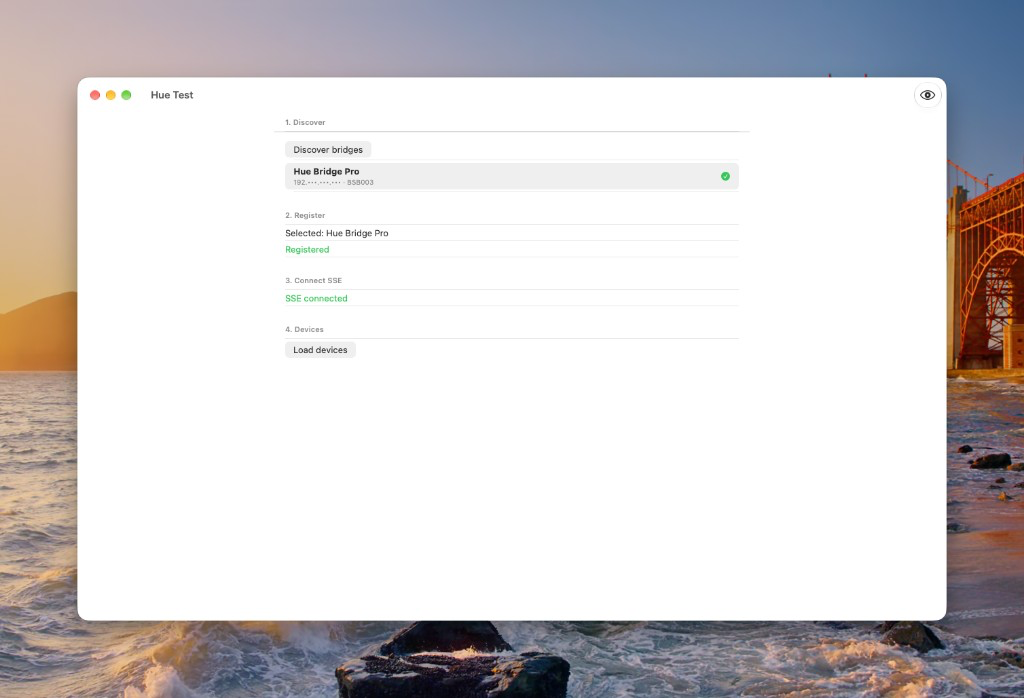
Live Server-Sent Events from the bridge; next step is load devices.
Mac · CSS tablet frame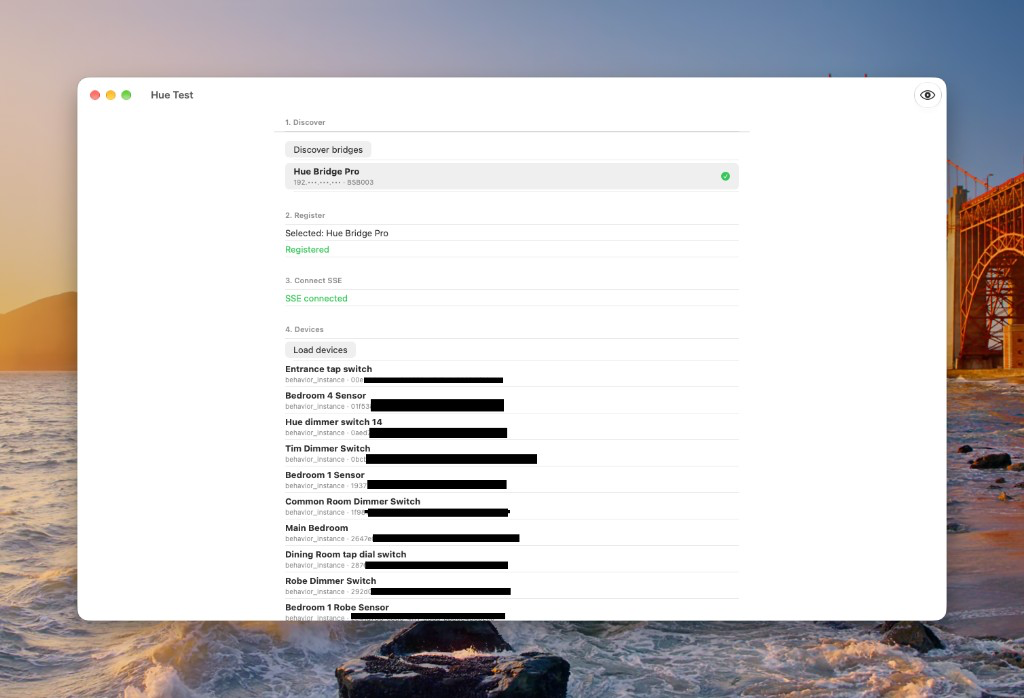
Fetch and list devices from the connected bridge.
Mac · CSS tablet frameUse the shared contact workflow and choose HueTestApp in App Selection.