Overview home
Live SSE health, recent events, battery alerts, and firmware notices at a glance.

Hue Analyzer discovers Philips Hue bridges on your local network, pairs securely, and streams live CLIP v2 events so you can diagnose lighting and sensor behaviour on iPad and Mac — without the Hue remote / cloud API.
How it works
Four steps from bridge discovery through live event inspection.
Scan the LAN for Hue bridges via Bonjour, pair with the link button, and store credentials in the device Keychain.
Connect Server-Sent Events (SSE) from connected bridges and watch colour, brightness, and sensor values change in real time.
Inspect lights, sensors, scenes, groups, and CLIP v2 behaviours; chart temperature and lux samples during the session.
Check battery and firmware health, export low-battery reports (Text, CSV, or PDF), and maintain a static device inventory.
Capabilities
Built for iPad (iPadOS 17+) and Mac (macOS 14+) — not designed for iPhone.
Live SSE health, recent events, battery alerts, and firmware notices at a glance.
Filter by category, search across resources, and inspect values as they arrive from the bridge.
Browse lights, sensors, scenes, and behaviours; monitor battery levels and firmware versions.
Export a clean low-battery list as Text, CSV, or PDF for sharing or archival.
Keep serial, location, comments, and photos; explore CLIP JSON (v1 / v2) with typed chips and careful write support.
IP, MAC, bridge ID, and API username stay masked until you reveal them. No cloud upload of credentials or event data.
Screenshots
Live Hue Analyzer UI from App Store captures — overview, live events, inventory, CLIP, and health.
Hue Analyzer is built for iPad and Mac — not designed for iPhone. Portrait tiles use CSS phone frames; landscape tiles use tablet frames.
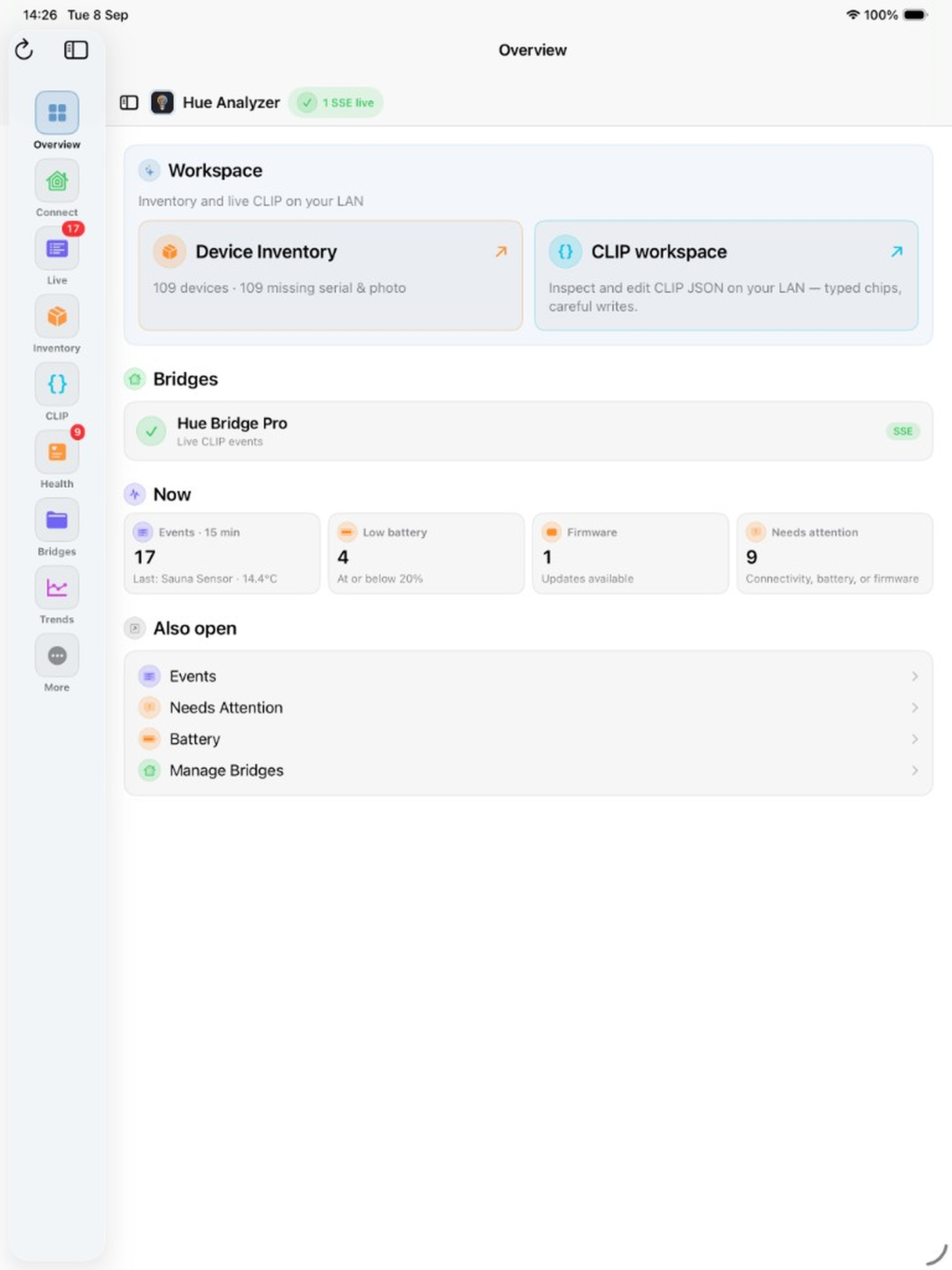
Live SSE health, bridges, recent events, battery alerts, and firmware notices at a glance.
iPad · CSS phone frame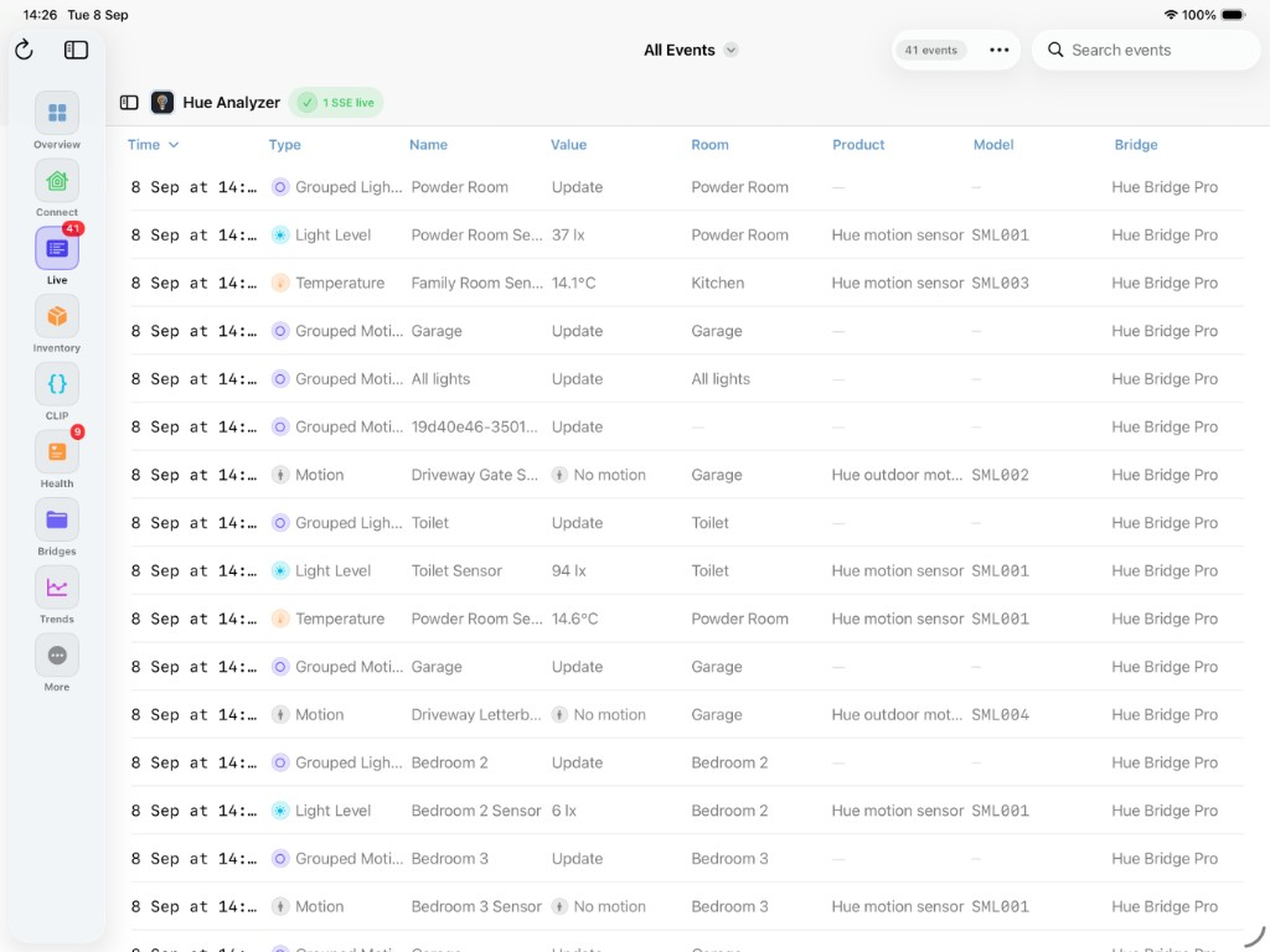
Stream CLIP v2 SSE events — filter, search, and inspect colour, brightness, and sensor values as they arrive.
iPad · CSS tablet frame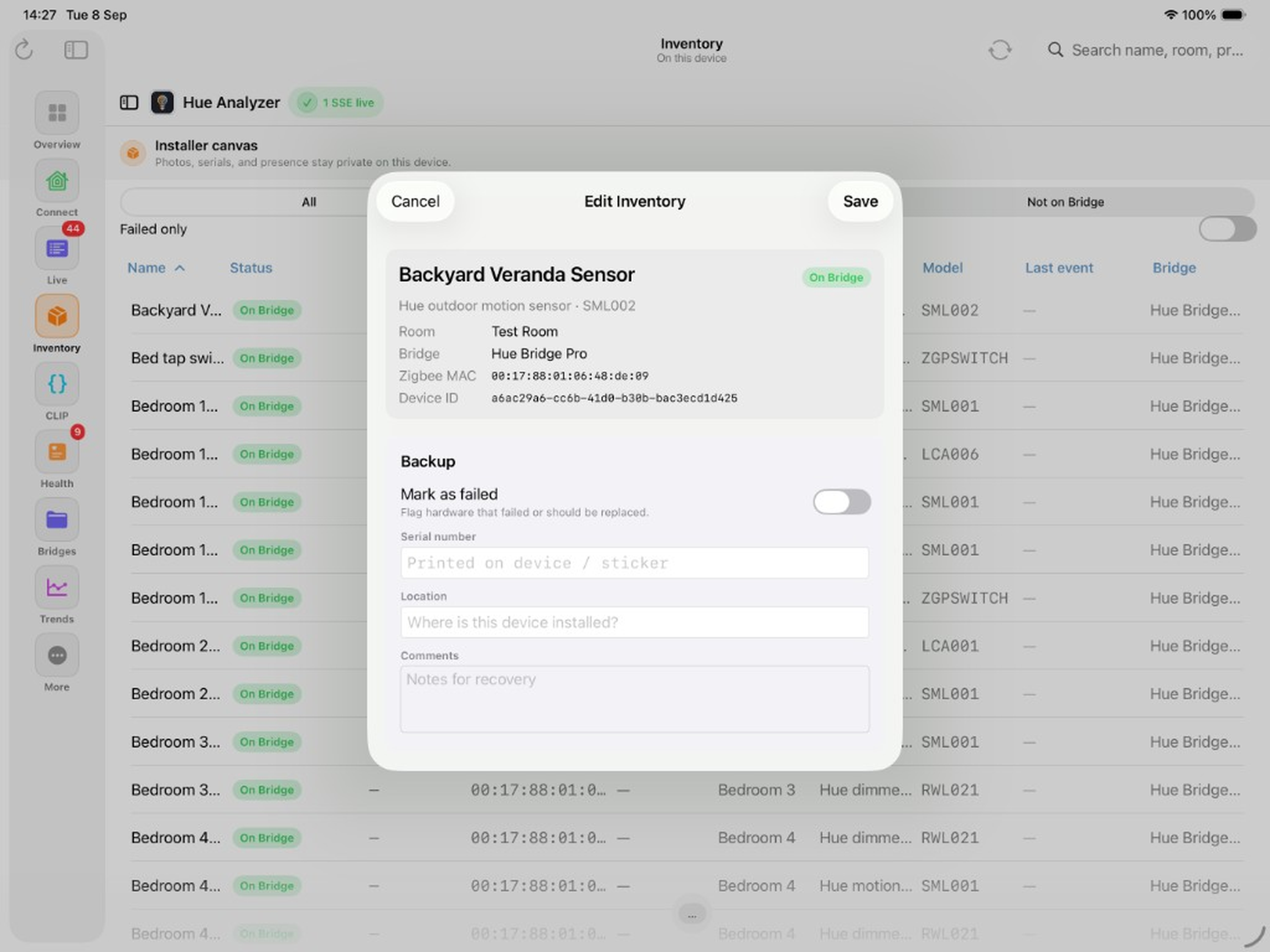
Browse devices on the bridge; record serial, location, comments, and photos for recovery.
iPad · CSS tablet frame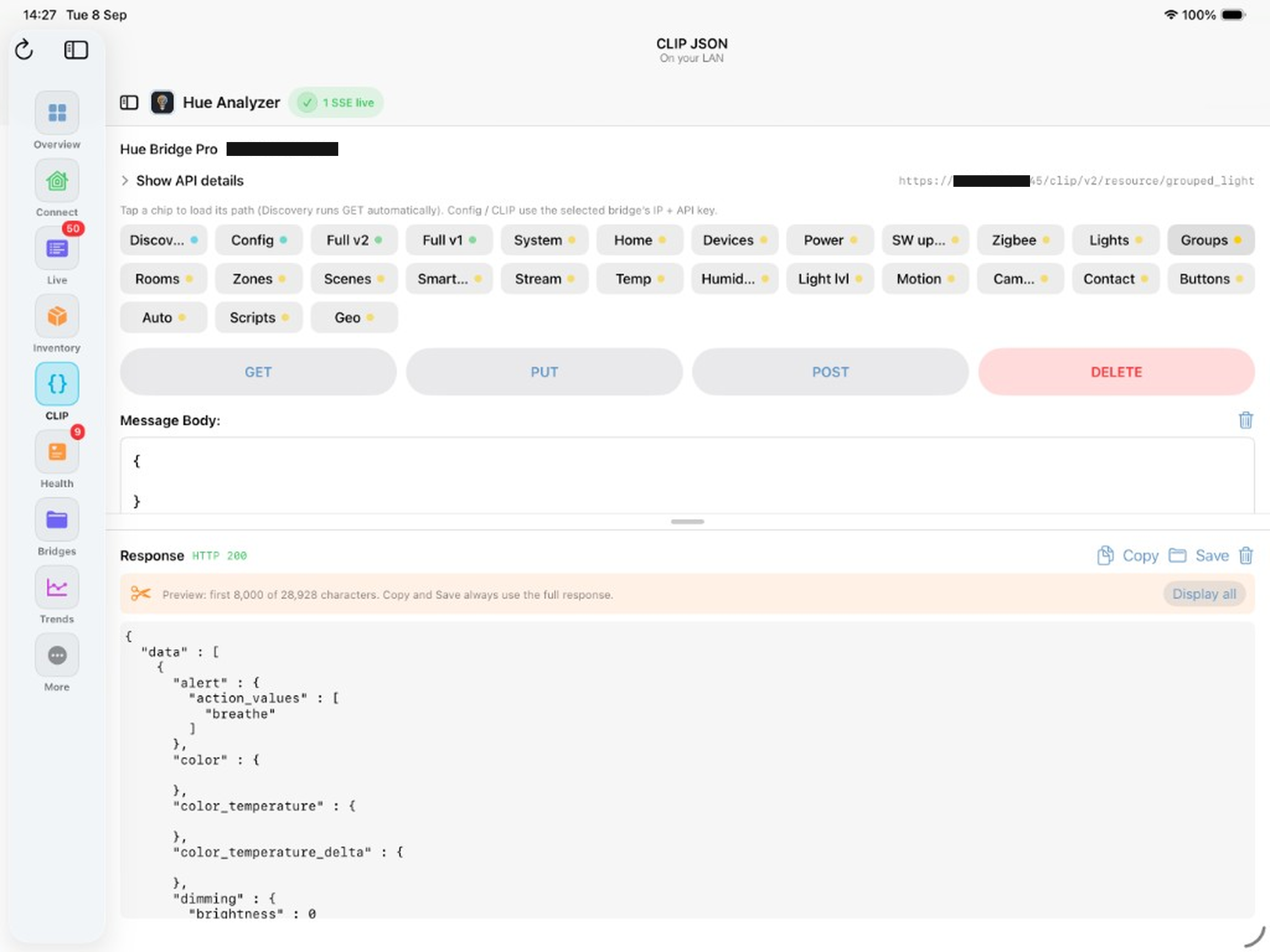
Explore CLIP JSON (v1 / v2) with typed chips and careful write support on your LAN.
iPad · CSS tablet frame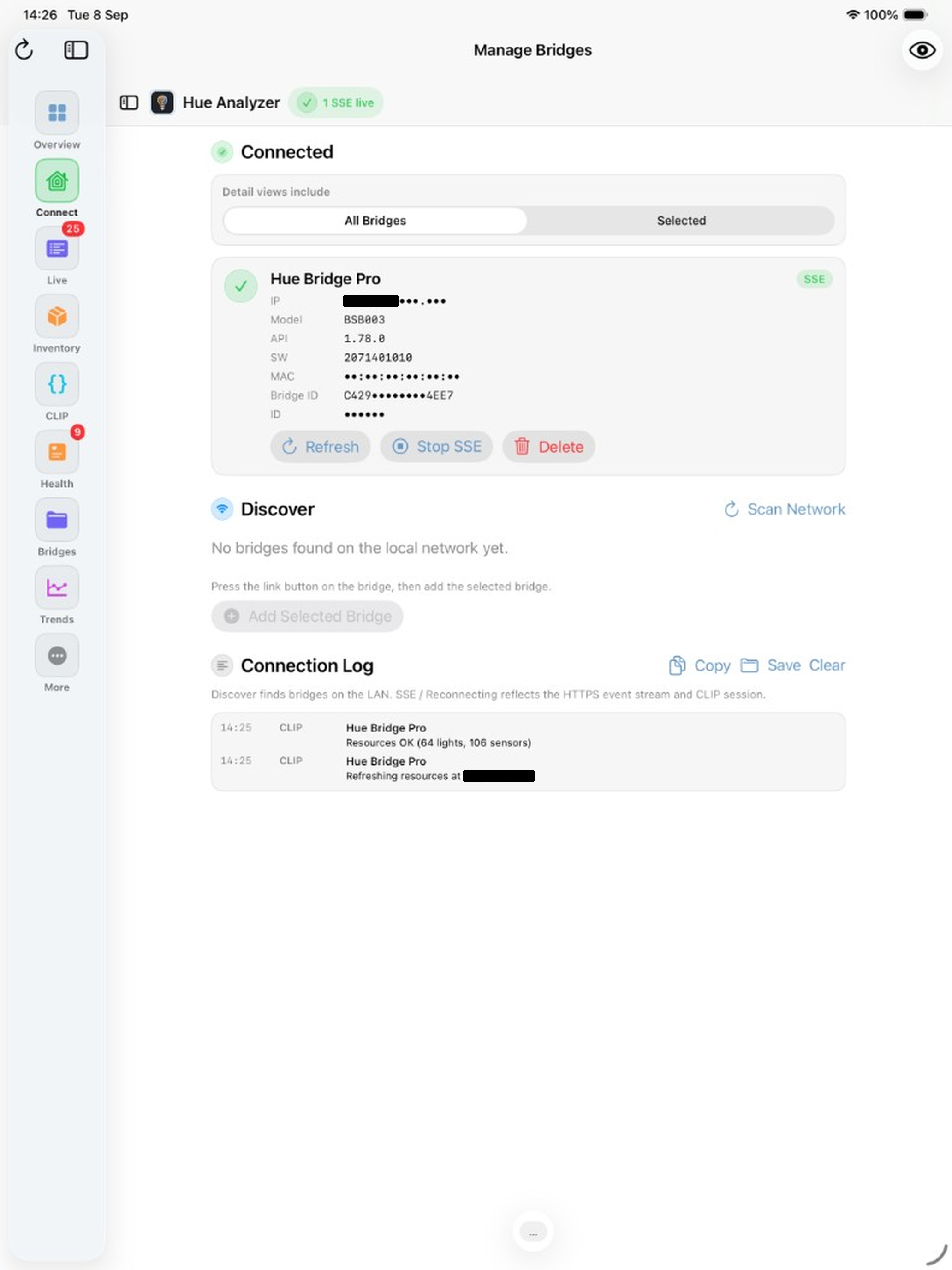
Discover, pair, and stream SSE — IP, MAC, and API username stay masked until you reveal them.
iPad · CSS phone frame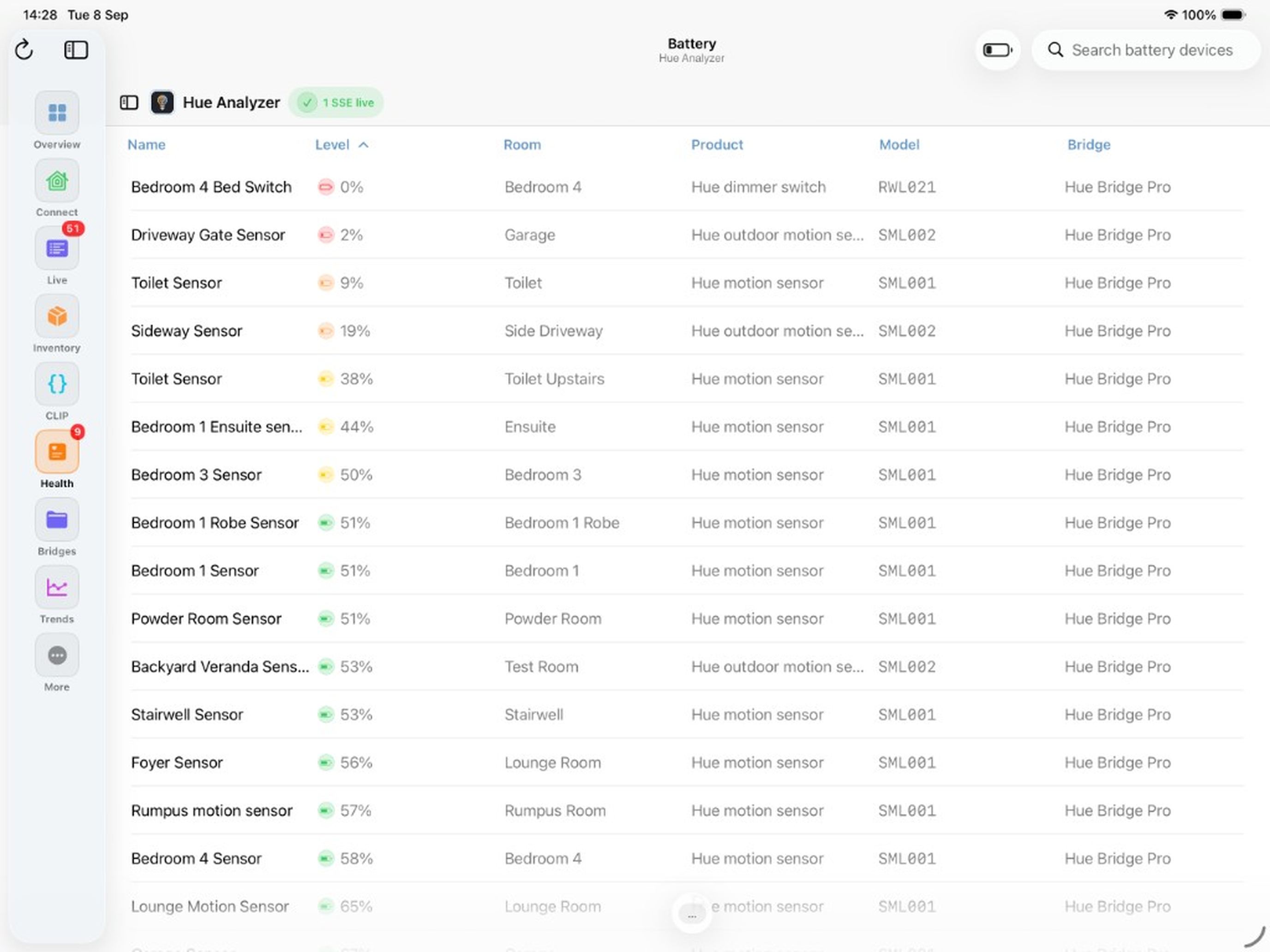
Monitor battery levels across sensors and switches; export low-battery reports as Text, CSV, or PDF.
iPad · CSS tablet frameUse the shared contact workflow and choose Hue Analyzer in App Selection.