Rooms & devices
Native room browsing with brightness, colour presets, and bridge filters for day-to-day control.
My HomeZ is a native home control app for iPhone, iPad, and Mac. Browse rooms and devices, run scenes, manage switches, and optionally run a local web server — with network details masked in the UI by default.
How it works
Four steps from setup through scenes, switches, and optional LAN access.
Work with HomeKit homes alongside supported bridges and devices from guided setup flows.
Open rooms from the sidebar, adjust lighting and power with room-level controls, and reload when your bridge inventory changes.
Run system scenes and review switch / remote configuration in a dense grid built for larger homes.
Enable the embedded web server on Mac when you want LAN access. IP addresses stay masked in the banner until you choose to reveal them.
Capabilities
Built for iPhone, iPad, and Mac — with Apple Watch support where configured.
Native room browsing with brightness, colour presets, and bridge filters for day-to-day control.
System scenes and custom scene cards so common lighting looks are one tap away.
See tap switches and remotes across the home, including which actions are configured.
Configure bridges and integrations from in-app setup without requiring a HomeZ cloud account.
Optional Mac web server for LAN access, with privacy-masked network details in the UI by default.
Companion Watch support for quick access where you have configured it.
Screenshots
Live My HomeZ UI — scenes, switches, and room controls. Network addresses stay masked.
My HomeZ runs on iPhone, iPad, and Mac. Landscape Mac captures use CSS tablet frames.
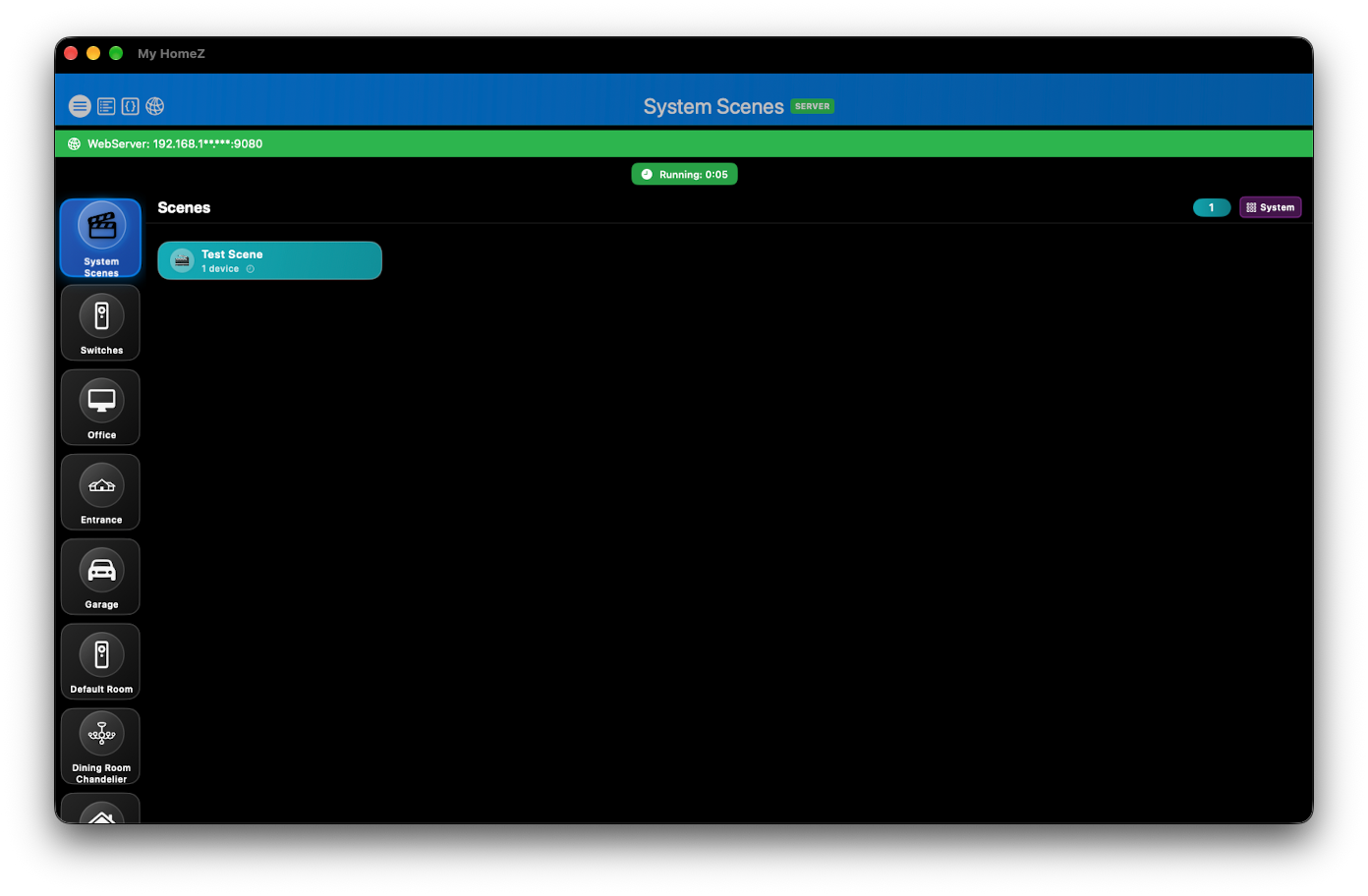
Run system scenes from the sidebar while the local server status stays visible and masked.
Mac · CSS tablet frame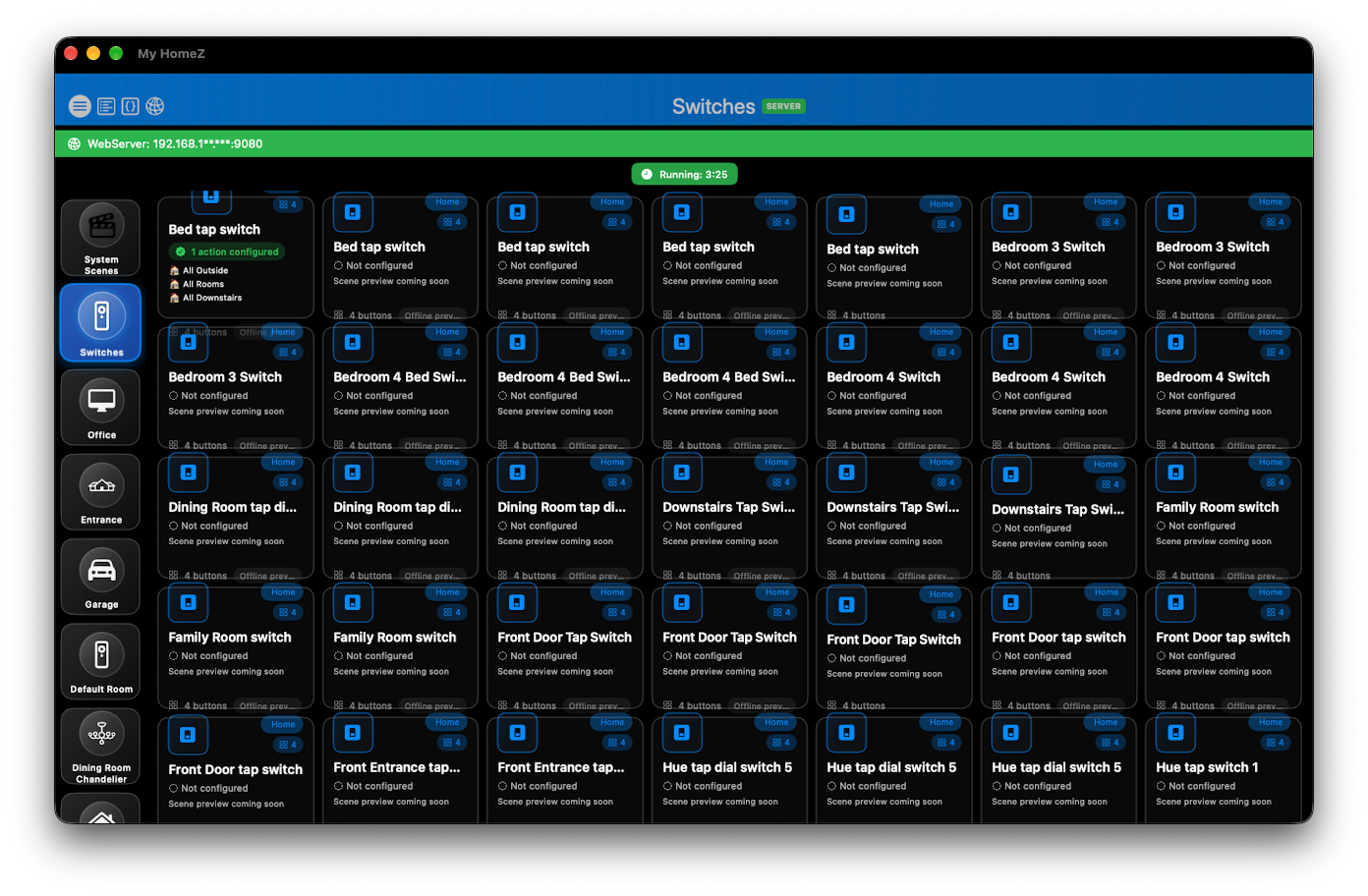
Dense switch and remote inventory with configuration status across rooms.
Mac · CSS tablet frame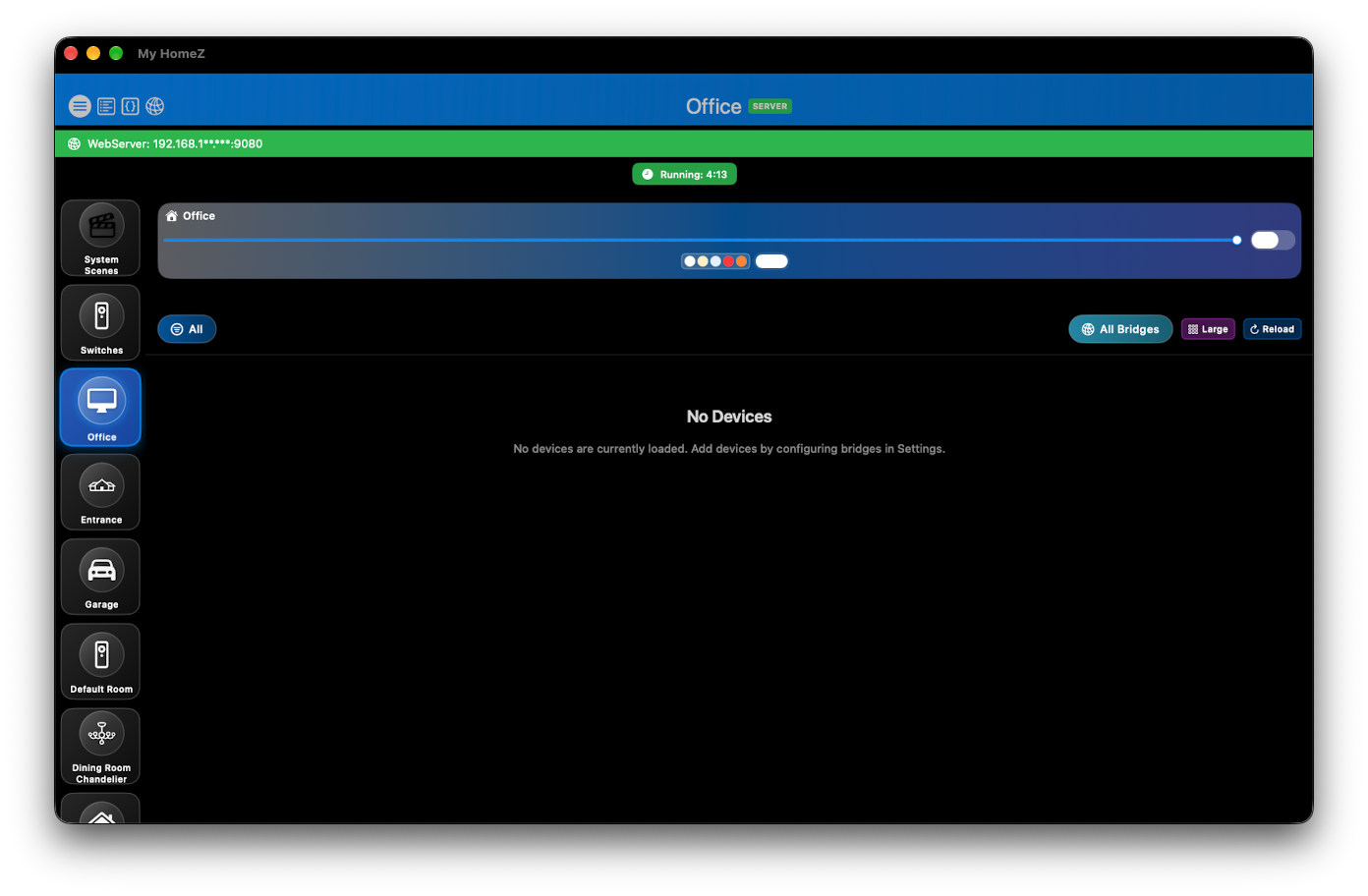
Room-level brightness, colour presets, and bridge filters for focused control.
Mac · CSS tablet frame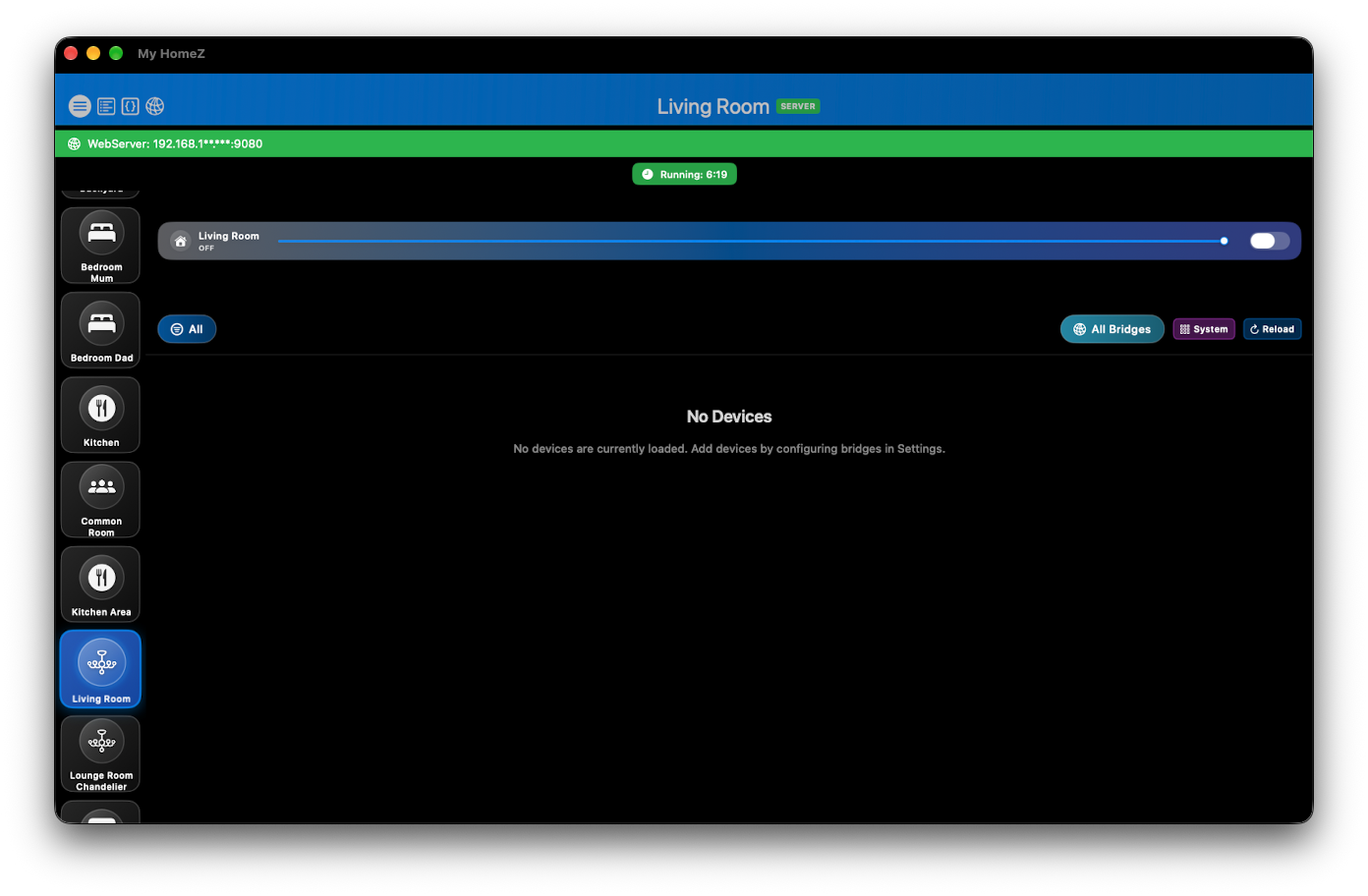
Browse any room from the sidebar with the same control chrome and privacy-safe server banner.
Mac · CSS tablet frameUse the shared contact workflow and choose HomeZ in App Selection.